Turning on Computers with Computers
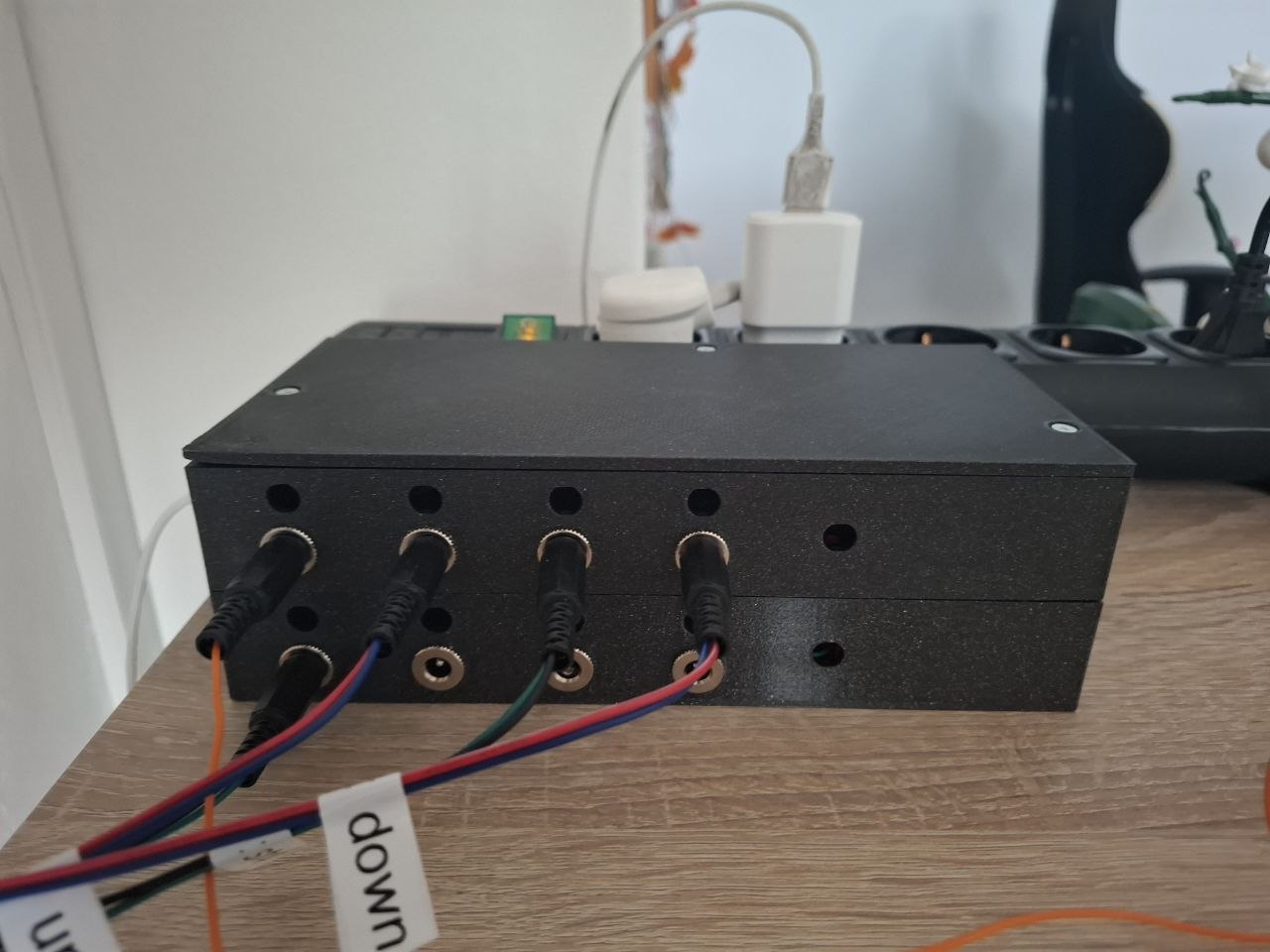
And It’s been a while… …since i wrote about some Pfusch on here.
So here comes for part two of Automated Lights.
To increase the ever growing laziness in this household, i decided to expand the automation plattform i have built.
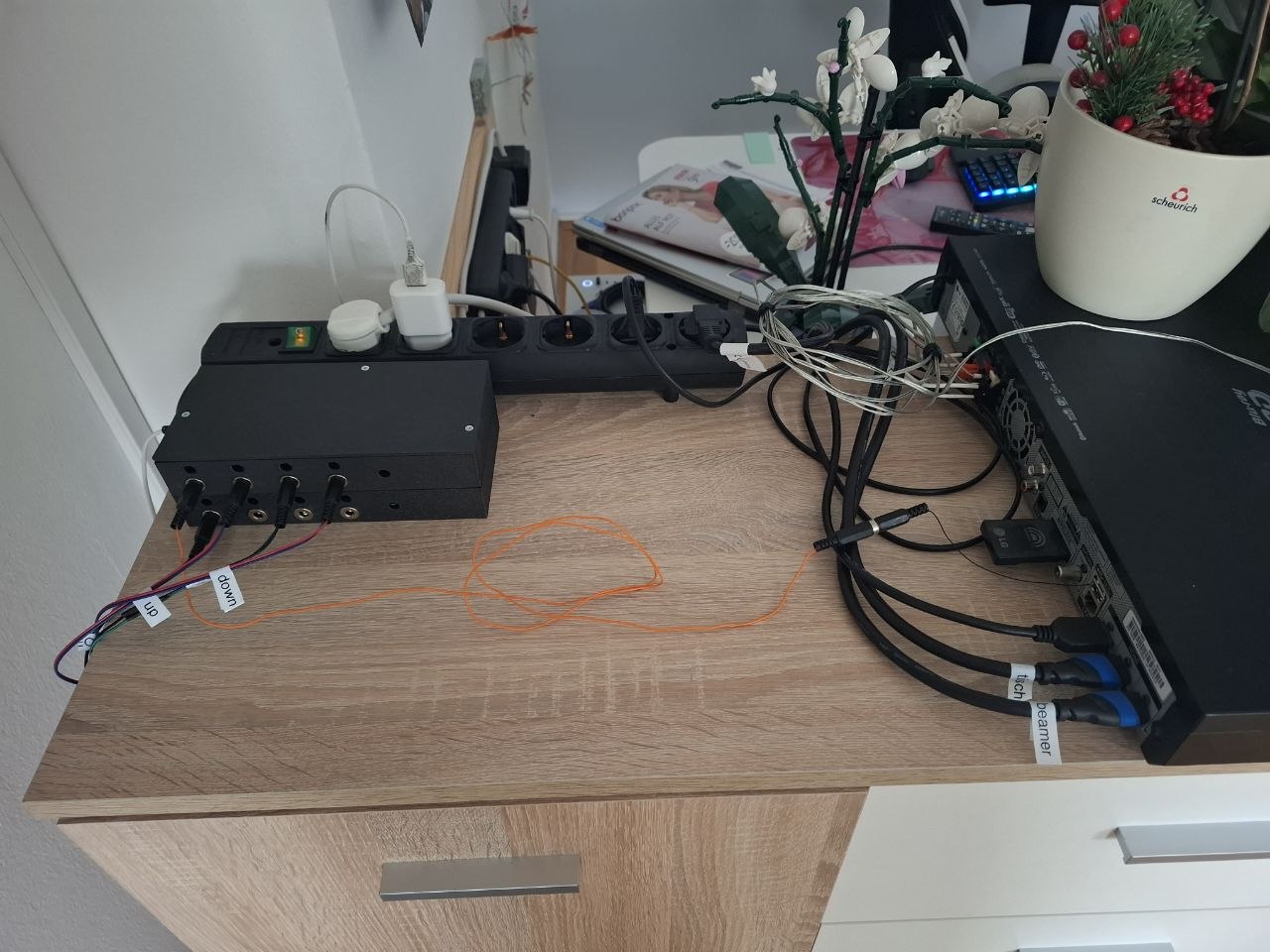
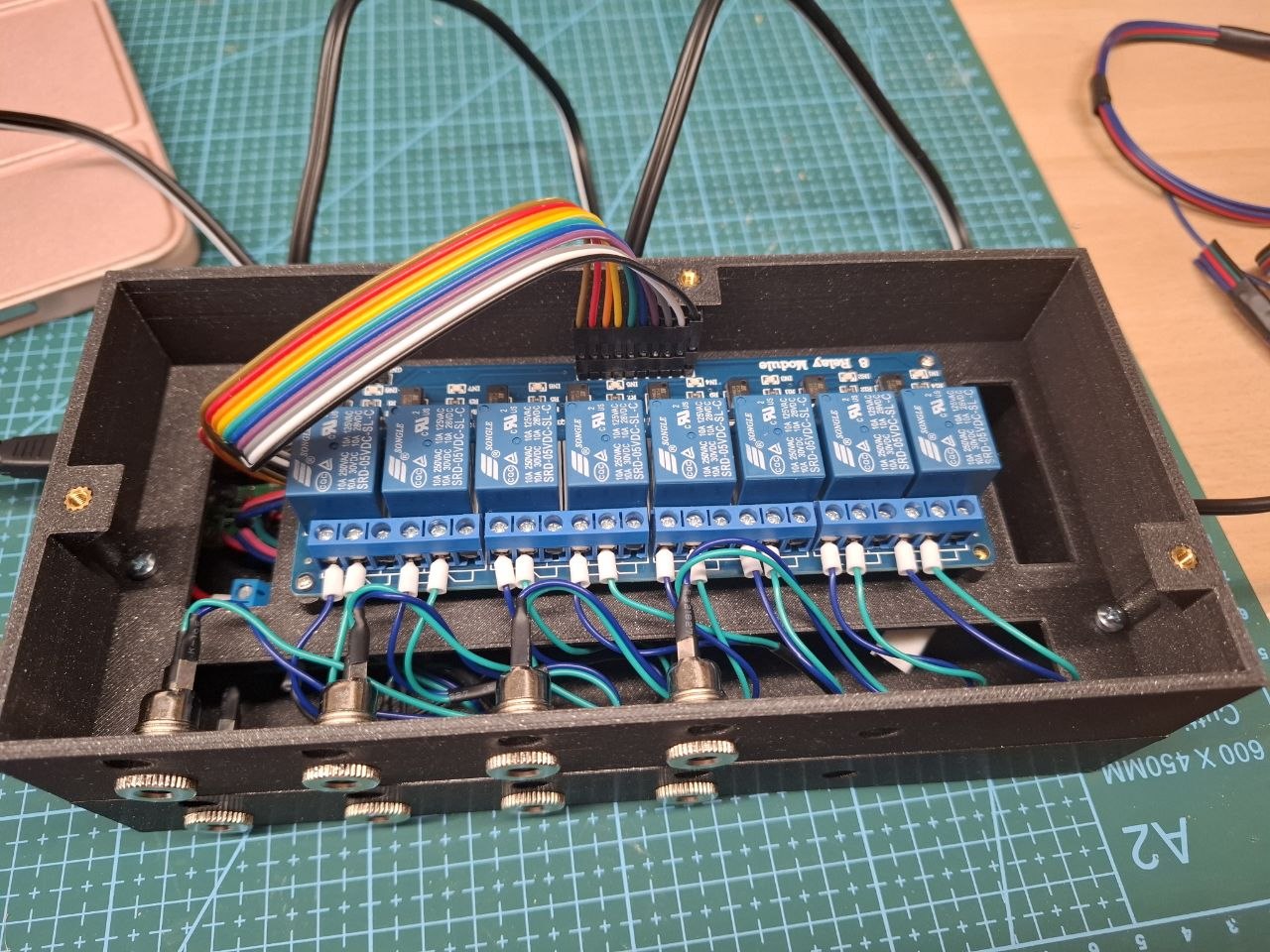
The 4 USB-Ports got swapped out in favor of 8 2.5x5.5 powerplugs/ports. The main difference in this setup is, that they’re not powered, but the connected relais only shorten the two incoming leads.
These Relais then act as button presses.
The first set of Buttons that get pressed are from the motorized projector screen.
These control Up/Down Motion and the Stop-action.
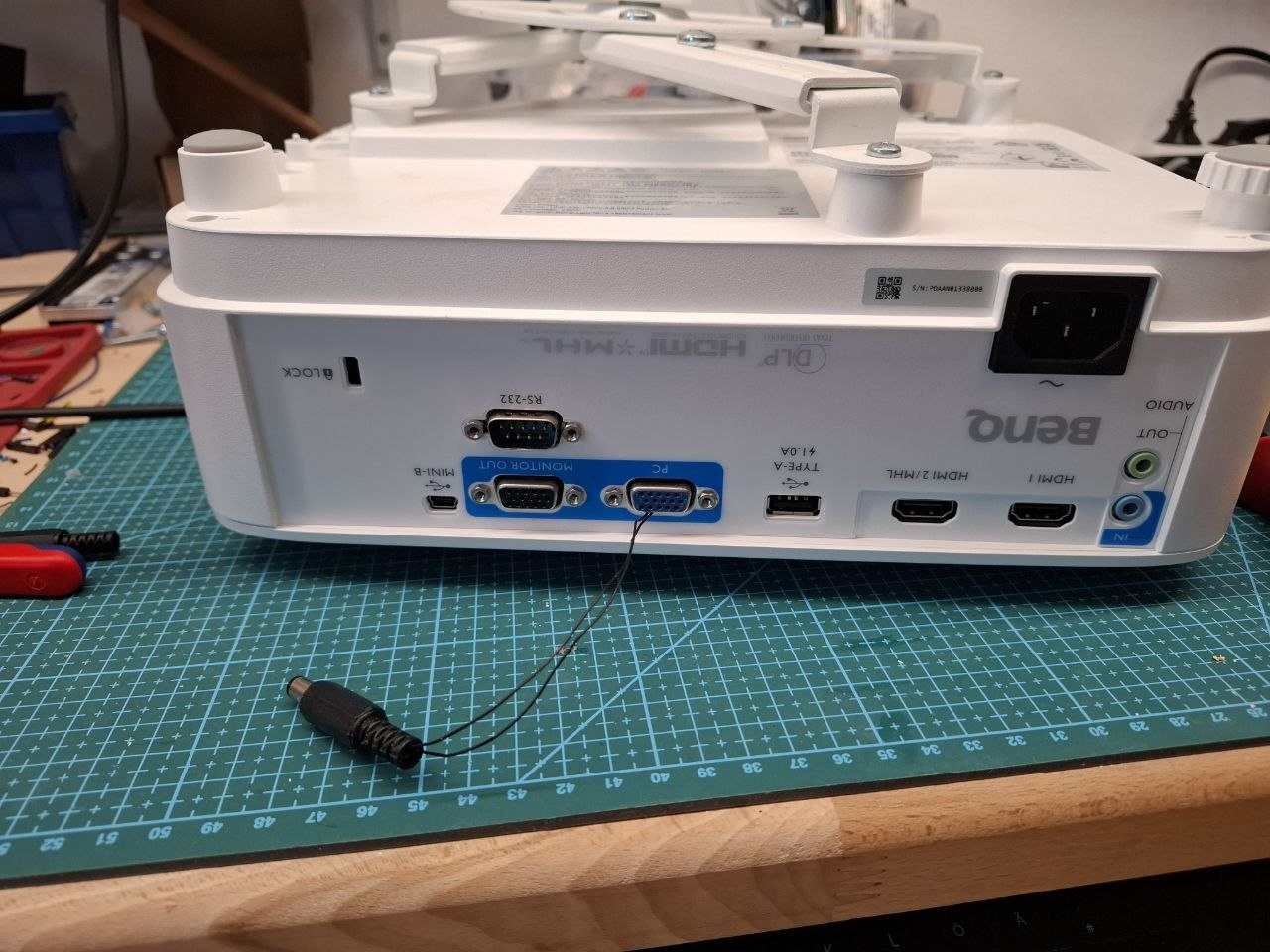
The other two Ports are controlling the projector and the sound bar.
To read more about the modifications on those systems click here and here.
The build process for the controller was basically a clone of the first version, with a second layer put on top to house the big 8-channel relais board.
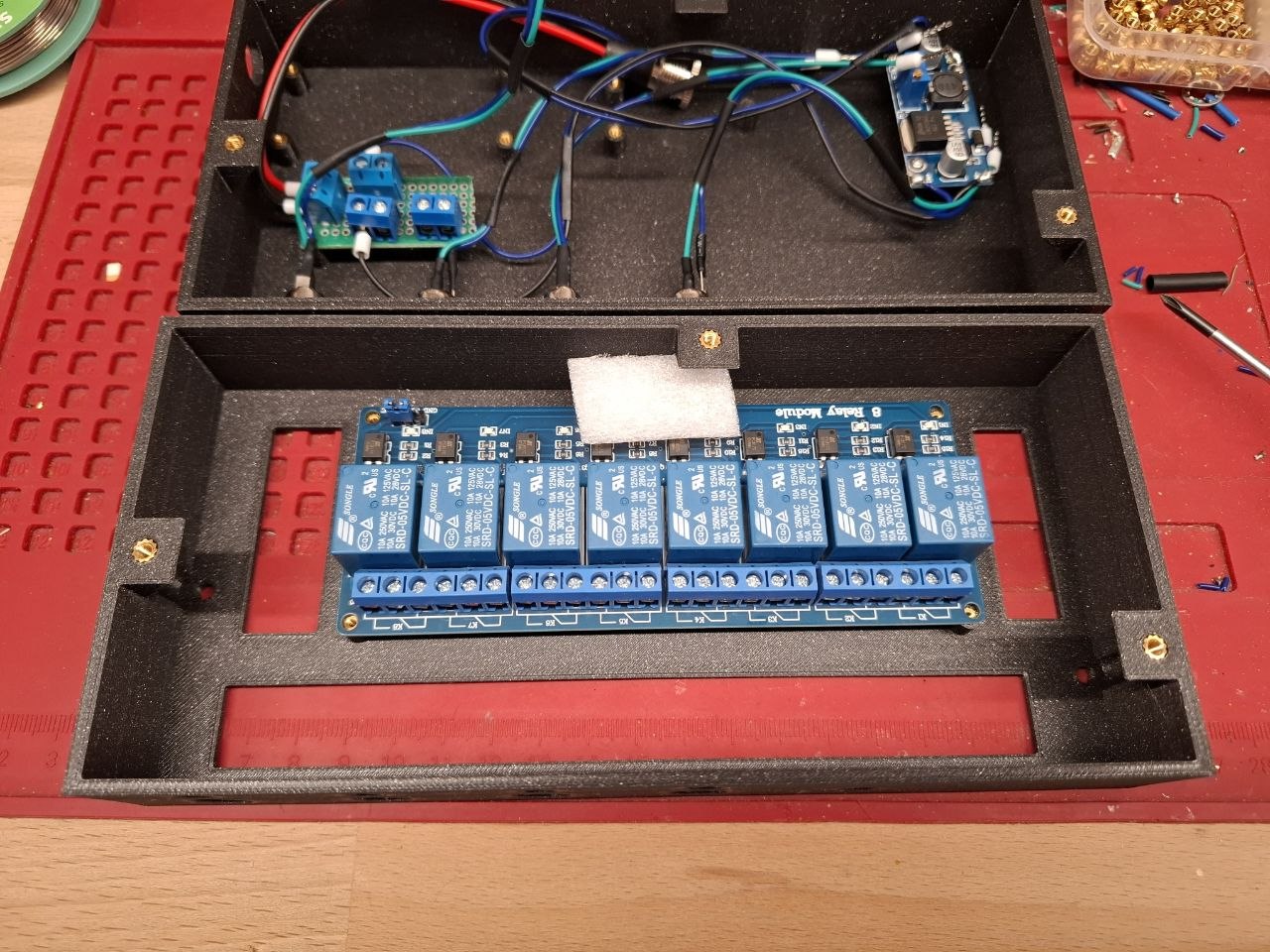
Ports for connecting push-buttons are pre-wired to the raspberry but not yet installed. In hindsight, it would have been nice if the CAD-designer didnt put both screw-layers exactly on top of each other…
Another Upgrade to the system got made - a shitty-looking local website.
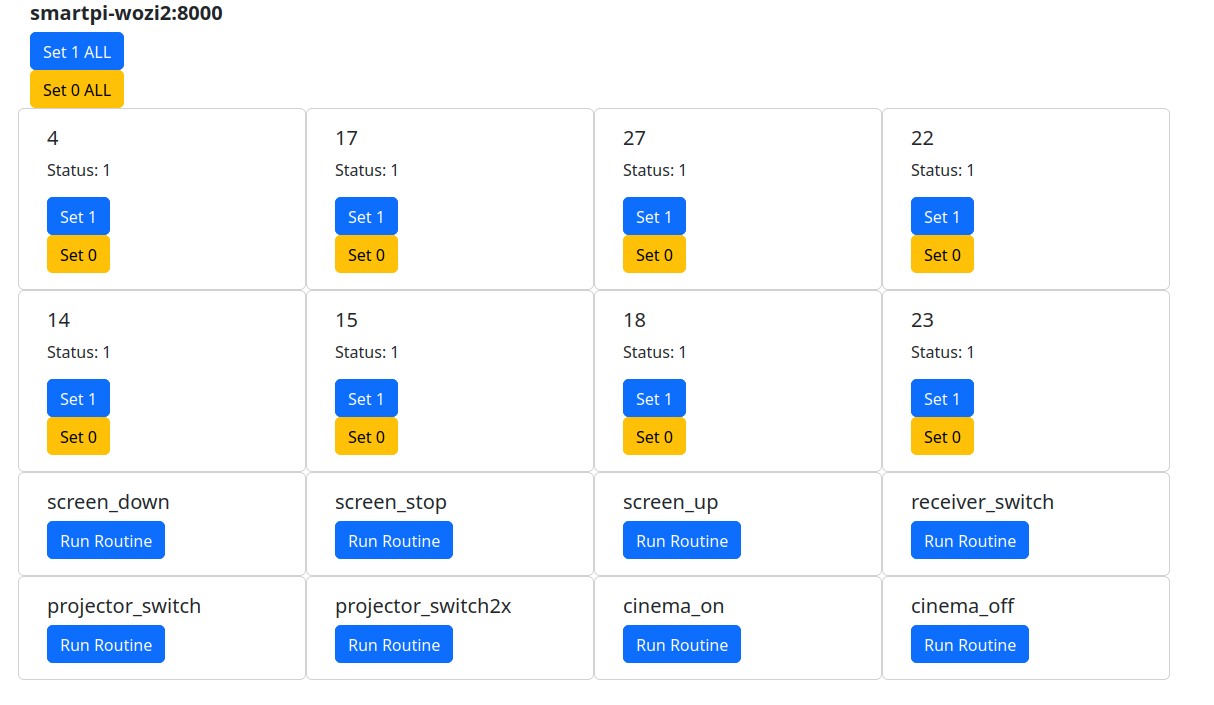
In addition to the python-scripts on the Raspberries, there are now Fastapi-Webservers running on each Controller.
The config got adapted to fit every script reacting to the set ports. Thus cloning will be easier in the future.
Routines got added into the config-file, allowing for the grouping of gpio-events as well as wait-periods.
Thanks for reading. ~Coni